
Introduction
Digital game assets are becoming an important part of modern online gaming, giving users access to virtual items, upgrades, special features, and other digital products. Before purchasing anything, users should understand how transactions work and what information needs to be checked. For users exploring Playexch, following a clear purchasing process can make digital transactions easier to understand while helping to prevent avoidable payment mistakes.
This guide explains the main steps involved in purchasing digital gaming assets, including product selection, payment verification, account security, transaction confirmation, and resolving common purchase issues.
What Are Digital Game Assets?
Digital game assets are virtual products or features that can be used within an online game or gaming environment. Their purpose and availability can vary depending on the game and platform.
Common digital assets may include:
- Virtual items and accessories
- Character upgrades
- In-game currencies
- Digital collectibles
- Premium game features
- Membership benefits
- Game-specific add-ons
Before buying any asset, users should read its description carefully to understand what it provides and where it can be used.
Check Your Account Before Purchasing
Before starting a transaction, make sure your account information is accurate and your account is properly secured.
A strong, unique password should be used instead of a password already associated with other websites. Users should also avoid accessing their account through unfamiliar links received in messages, advertisements, or unofficial sources.
Passwords, OTPs, banking PINs, and verification codes are private information and should never be shared with another person.
Choose the Right Digital Asset
Once the account is ready, locate the game or section containing the digital asset you want to purchase.
Do not make a decision based only on an image or promotional message. Review the complete information provided with the item.
Important details to check include:
- Asset name and description
- Current displayed price
- Game compatibility
- Validity or expiry period
- Usage limitations
- Account requirements
- Refund or cancellation terms
These checks can help prevent purchasing an item that is unsuitable for your game or account.
Review the Purchase Price
Before proceeding to payment, check the final amount shown on the transaction page.
The displayed amount should match the expected purchase price. Users should also check whether there are any minimum transaction requirements, additional conditions, or processing instructions associated with the selected payment method.
Use the payment methods displayed within the account rather than transferring money according to instructions received from unknown third parties.
How to Complete the Purchase
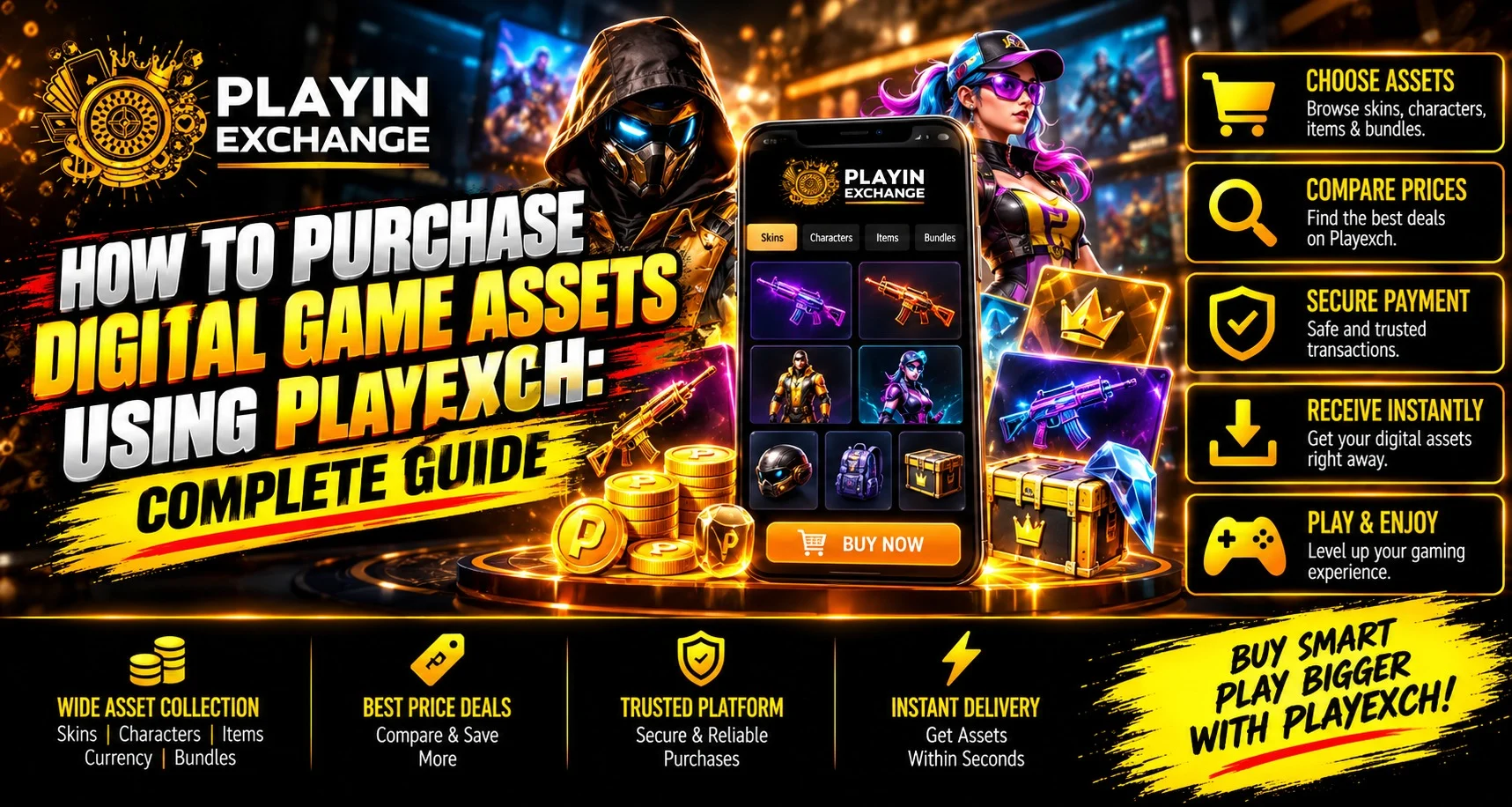
Although the exact process may vary according to the digital product, most purchases follow a similar sequence.
- Select the required digital asset.
- Read the product description.
- Check its price and compatibility.
- Choose an available payment method.
- Verify the payment information.
- Complete any required verification step.
- Wait for confirmation before leaving the page.
Avoid repeatedly clicking the payment or confirmation button while a transaction is processing. Multiple payment attempts could make it more difficult to identify which transaction was successfully completed.
Check the Asset After Payment
Once payment is complete, confirm whether the purchased item has appeared in the relevant section of the gaming account.
Depending on the type of asset, it could appear in the user’s inventory, wallet, game profile, membership section, or another dedicated area.
Keep the payment confirmation or transaction reference until the asset is successfully reflected in the account.
Follow Basic Security Practices
Digital purchases involve both account information and payment details, so security should remain a priority throughout the transaction.
Users can follow a few straightforward precautions:
- Make purchases from a trusted device.
- Keep the browser and operating system updated.
- Avoid public Wi-Fi when making payments.
- Review payment information before confirmation.
- Never reveal an OTP or account password.
- Keep transaction references until the purchase is complete.
- Avoid payment requests from unknown individuals.
Taking these precautions can make account and transaction management more organized.
What to Do If a Purchase Is Not Updated
A successful payment does not always mean that a digital asset will appear instantly. Temporary processing delays can occasionally occur.
If an item is missing, first confirm whether the payment has actually been deducted. Then check the account’s transaction history and keep the transaction ID or payment reference available.
Before making another payment, users should complete their Playexchange login through the appropriate account access page and review recent transaction records. This can help determine whether the original purchase is still being processed or has already been recorded.
If the transaction appears successful but the asset remains unavailable, contact the platform’s available support channel and provide the relevant transaction information. Avoid submitting another payment until the status of the first transaction is clear.
Conclusion
Purchasing digital game assets becomes easier when every stage of the transaction is reviewed carefully. Users should check product descriptions, compatibility, pricing, payment information, and transaction status before and after making a purchase.
Keeping account credentials private, maintaining temporary transaction records, and avoiding duplicate payments can also reduce common problems. A careful approach allows users to manage digital purchases more confidently while maintaining better control over account and payment activity.
FAQs
1. What should I check before purchasing a digital game asset?
Review the asset description, price, game compatibility, validity period, usage conditions, and any applicable transaction restrictions before making a payment.
2. How do I know if my digital asset purchase was successful?
Check the transaction history and the relevant inventory, wallet, or game account section after completing the payment.
3. What should I do if payment is completed but the asset is missing?
Check the transaction status first and keep the payment reference available. If the asset is still unavailable, contact the relevant support service before attempting another payment.
4. Is it safe to share an OTP during a purchase?
No. OTPs, passwords, banking PINs, and other private verification credentials should never be shared with another person.
5. Can a digital game asset purchase be cancelled?
Cancellation and refund availability depends on the applicable transaction and platform conditions. Users should review these terms before confirming a purchase.
6. Why should I keep the transaction reference after purchasing an asset?
A transaction reference can help verify payment status and provide useful information if a purchase is delayed, missing, or requires support assistance.


