
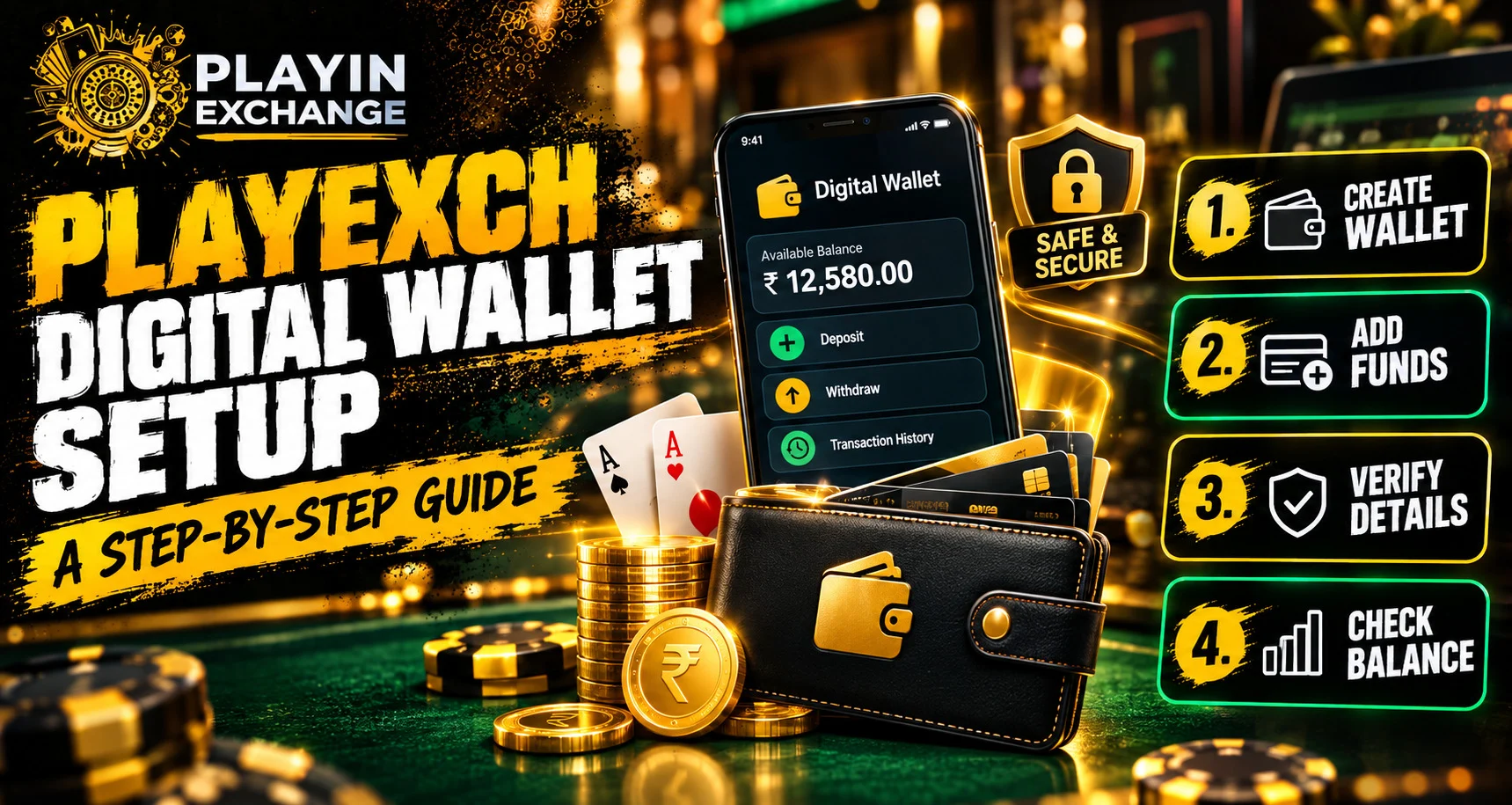
Introduction
Digital wallets can make online payment management more convenient by keeping supported payment information in one place. Setting one up usually involves creating an account, completing any required verification, connecting an eligible payment method, and securing access. For Playexch users, understanding these basic steps can make the setup process easier while helping avoid common account and payment mistakes.
What Is a Digital Wallet?
A digital wallet is an online service or application that can store payment information and support electronic transactions. Depending on the provider, users may be able to connect cards, bank accounts, or other supported payment options.
Before setting up a wallet, check:
- Supported payment methods
- Verification requirements
- Transaction limits
- Available currencies
- Security features
- Applicable service conditions
Features can vary between providers, so users should review the specific wallet’s information before continuing.
Step 1: Access the Official Platform
Start by visiting the official website or using a verified application. Avoid accessing wallet services through unfamiliar links received in emails, messages, or social media posts.
Before entering account information, carefully check the website address. Phishing websites can imitate legitimate services and attempt to collect passwords or financial information.
Step 2: Create or Access Your Account
New users generally need to register before accessing wallet features, while existing users can sign in with their established credentials.
Create a strong and unique password rather than reusing one from another service. The FTC recommends using long passwords and avoiding passwords that are easy to guess.
If multi-factor authentication is available, enabling it provides another layer of protection beyond the password.
Step 3: Complete Verification
Some wallet services require verification before certain features become available. Depending on the provider, this could involve confirming an email address, phone number, identity information, or payment method.
Only submit requested information through the official platform. Never share passwords, PINs, or one-time verification codes with another person.
Step 4: Add a Supported Payment Method
After completing the necessary account steps, check which payment methods are supported by the wallet.
These may include:
- Debit cards
- Credit cards
- Bank accounts
- Other approved digital payment methods
Check all payment details carefully before saving them. If an unfamiliar payment request appears, stop and verify it through an official support channel.
Step 5: Strengthen Account Security
Security should be part of the setup process from the beginning. Use a strong password and activate additional authentication options whenever they are available.
Useful security measures include:
- Enable multi-factor authentication
- Use a unique password
- Keep your device and apps updated
- Use a phone PIN or biometric lock
- Turn on transaction notifications
- Review account activity regularly
- Never share verification codes
The FTC notes that multi-factor authentication can make it harder for someone to access an account even if they obtain the password.
Step 6: Review Details Before Using the Wallet
Once setup is complete, review the account and payment information before making any transaction. Check the payment method, recipient details, amount, and applicable limits.
For users accessing their account, the Playexchange login page should only be opened through a verified official source. Avoid entering credentials on unfamiliar pages or through links sent by unknown contacts.
Common Setup Mistakes to Avoid
A few simple mistakes can create unnecessary security risks. Avoid:
- Downloading wallet apps from unknown sources
- Reusing passwords across accounts
- Sharing OTPs or verification codes
- Ignoring unusual account notifications
- Confirming transactions without checking details
- Clicking unexpected payment links
- Leaving your device unlocked
Regularly reviewing payment activity can also help identify unauthorized transactions quickly.
Conclusion
Setting up a digital wallet is easier when each stage is completed carefully. Start with the official platform, complete required verification, add only supported payment methods, and check transaction details before confirming a payment. Strong passwords, multi-factor authentication, device security, and regular account monitoring can provide additional protection.
FAQs
1. What is needed to set up a digital wallet?
Requirements depend on the provider but may include an account, phone number or email address, verification information, and a supported payment method.
2. Is verification required for every digital wallet?
No. Verification requirements vary according to the provider, location, account type, and features being accessed.
3. Can I connect a debit or credit card?
Many digital wallets support debit and credit cards, but the available payment methods depend on the specific wallet provider.
4. How can I keep my digital wallet secure?
Use a strong unique password, enable multi-factor authentication, protect your device with a PIN or biometric lock, and never share verification codes.
5. What should I do if I notice an unfamiliar transaction?
Review the transaction and contact the wallet or payment provider through its official support channel. If necessary, also contact the relevant financial institution.
6. Should I use a wallet application from an unknown website?
No. Download applications only from trusted official sources or recognized app stores, and verify the provider before entering personal or payment information.


