
Introduction
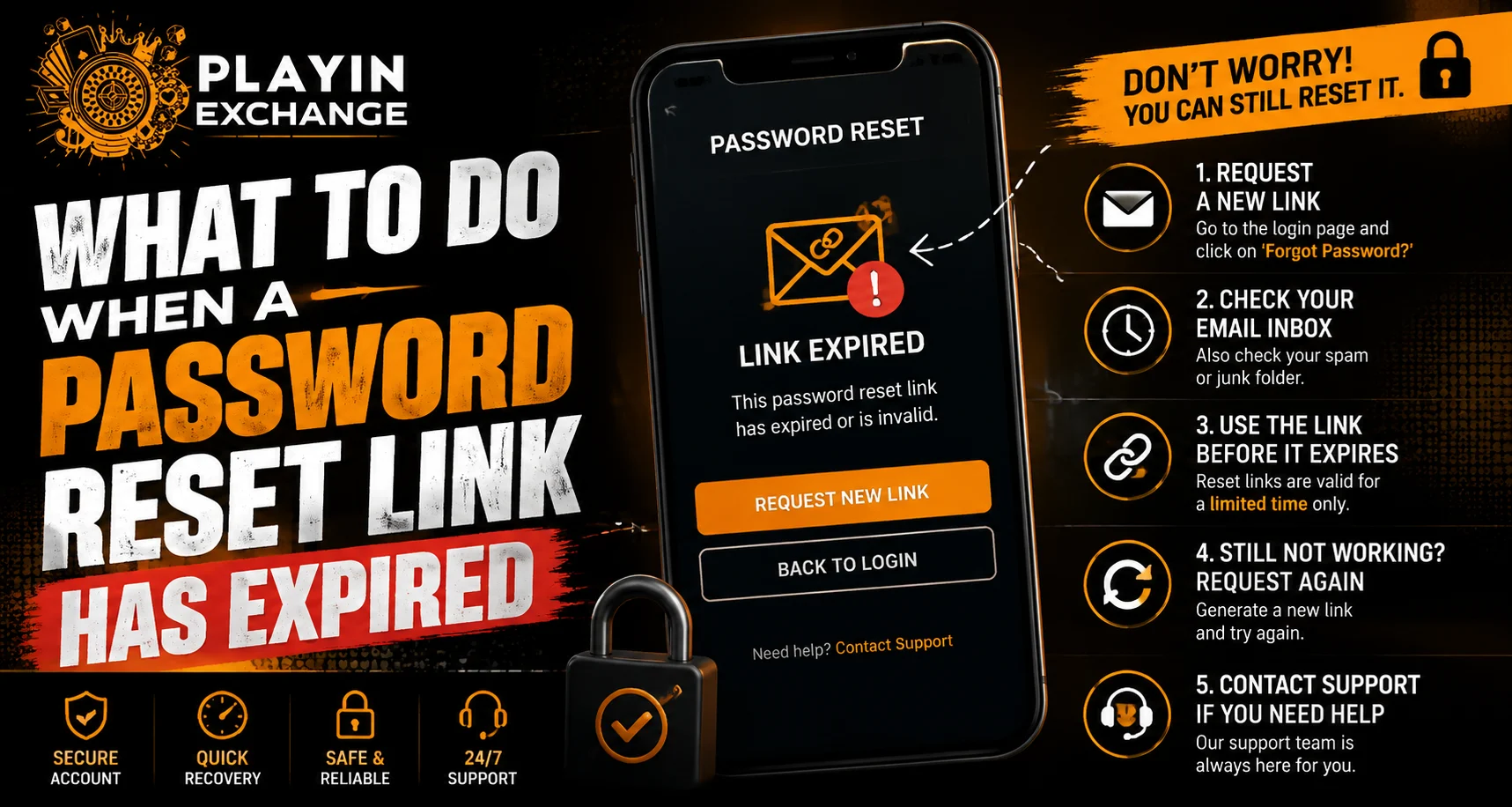
A password reset link is normally valid only for a limited period. If you click it after that period, you may see an expired-link message or be redirected back to the account recovery page. For users following Playexch account access, this situation is usually manageable and does not automatically mean the account has been blocked.
The safest solution is to request a fresh reset link through the official website and use it promptly. Users should also avoid clicking recovery links from unknown emails, messages or social media contacts.
Why Do Password Reset Links Expire?
Password reset links have a limited lifespan as a security measure. If a recovery link remained active indefinitely, someone who gained access to an old email could potentially misuse it.
A link may expire because:
- The allowed time has passed.
- A newer password reset request was submitted.
- The previous link has already been used.
- The recovery session was cancelled.
- The link was copied incorrectly.
- The original recovery request is no longer valid.
An expired link generally means that particular recovery request is no longer active.
Request a New Password Reset Link
The easiest solution is to start the recovery process again from the official website.
Follow these general steps:
- Open the official website manually.
- Go to the login page.
- Select the password recovery option.
- Enter the required registered information.
- Request a new reset link.
- Check your email or registered recovery method.
- Open the newest legitimate link.
- Create a new password.
Avoid requesting many reset links repeatedly because some services may temporarily restrict recovery attempts.
Always Use the Latest Reset Link
If you requested a password reset several times, you may receive multiple messages. In many systems, requesting a newer link can invalidate an older one.
Before opening a recovery message, check:
- The sender’s address.
- The website domain.
- When the message was received.
- Whether you actually requested the reset.
- Where the link leads.
Use the newest legitimate recovery message and ignore older links.
Check Your Spam or Junk Folder
Sometimes a new reset email does not appear in the primary inbox. Check your spam, junk and promotions folders before requesting another reset.
You can also check whether:
- Your email storage is full.
- The registered email address is correct.
- Email filters are blocking the message.
- Your internet connection is working properly.
If the reset email still does not arrive, use the platform’s verified support process.
Avoid Suspicious Recovery Messages
Password recovery is a common target for phishing attempts. Someone may send a fake message claiming that your account needs immediate verification.
Be cautious if a message:
- Creates unnecessary urgency.
- Requests your existing password.
- Asks for an OTP.
- Requests payment to restore access.
- Uses an unfamiliar domain.
- Contains unusual spelling or suspicious links.
Never provide sensitive credentials simply because someone claims to be customer support.
Create a Strong New Password
After opening a valid reset link, create a new password that is difficult to guess. Avoid using the same password across multiple accounts.
A strong password should:
- Be unique.
- Be reasonably long.
- Avoid predictable information.
- Avoid common words and patterns.
- Not be shared with other people.
A reputable password manager can also help generate and store unique credentials.
What If the New Link Also Expires?
If a newly generated link repeatedly expires, there could be a technical issue with the browser, email delivery system or recovery process.
Try these steps:
- Request one new link.
- Open it soon after receiving it.
- Use an updated browser.
- Check your device’s date and time settings.
- Try another trusted browser.
- Clear relevant browser data if necessary.
- Contact verified support if the problem continues.
Avoid generating a large number of reset requests because this may make the recovery process more complicated.
Check Account Security After Recovery
Once access has been restored, take a few minutes to review account security.
Useful steps include:
- Checking recent account activity.
- Signing out of unfamiliar sessions.
- Updating recovery information.
- Enabling available security features.
- Removing access from devices you no longer use.
If you were attempting a Playexchange login and discovered that your password was no longer accepted, use the official recovery process instead of accepting assistance from unknown individuals.
Never Share Recovery Information
Password reset links should be treated as private information. Anyone who gains access to a valid recovery link may potentially be able to change account credentials.
Never share:
- Password reset links
- Passwords
- OTPs
- PINs
- Security codes
- Recovery codes
If someone claims that they need your reset link to fix your account, verify the request through the platform’s official support channel.
Conclusion
An expired password reset link is usually a temporary account-recovery issue rather than evidence that an account has been permanently blocked. The best response is to return to the official website, request a fresh link and use the latest legitimate message promptly.
Users should also check their email folders, protect their new password and remain alert to phishing attempts. If repeated reset attempts fail, contacting verified support is safer than relying on unofficial contacts or sharing sensitive recovery information.
FAQs
1. Why did my password reset link expire?
Password reset links are usually time-limited for security. A newer password recovery request can also make an older link invalid.
2. Can I use an expired password reset link again?
Generally, no. Request a new reset link through the official account recovery process instead of trying to reuse an expired one.
3. What should I do if I do not receive the new reset link?
Check your spam, junk and promotions folders. Confirm that you entered the correct registered email address and check whether your mailbox has sufficient storage.
4. Should I share my password reset link with anyone?
No. A password reset link is sensitive recovery information and should remain private. Never share it with strangers or unverified support contacts.
5. What should I do if the new reset link also expires?
Request one fresh link and open it promptly using an updated browser. If the issue continues, contact the platform through its verified support channel.
6. Should I create a completely new password after using the reset link?
Yes. Choose a strong, unique password that has not been used for another account. This can reduce the risk associated with reused or previously exposed credentials.


