
Introduction
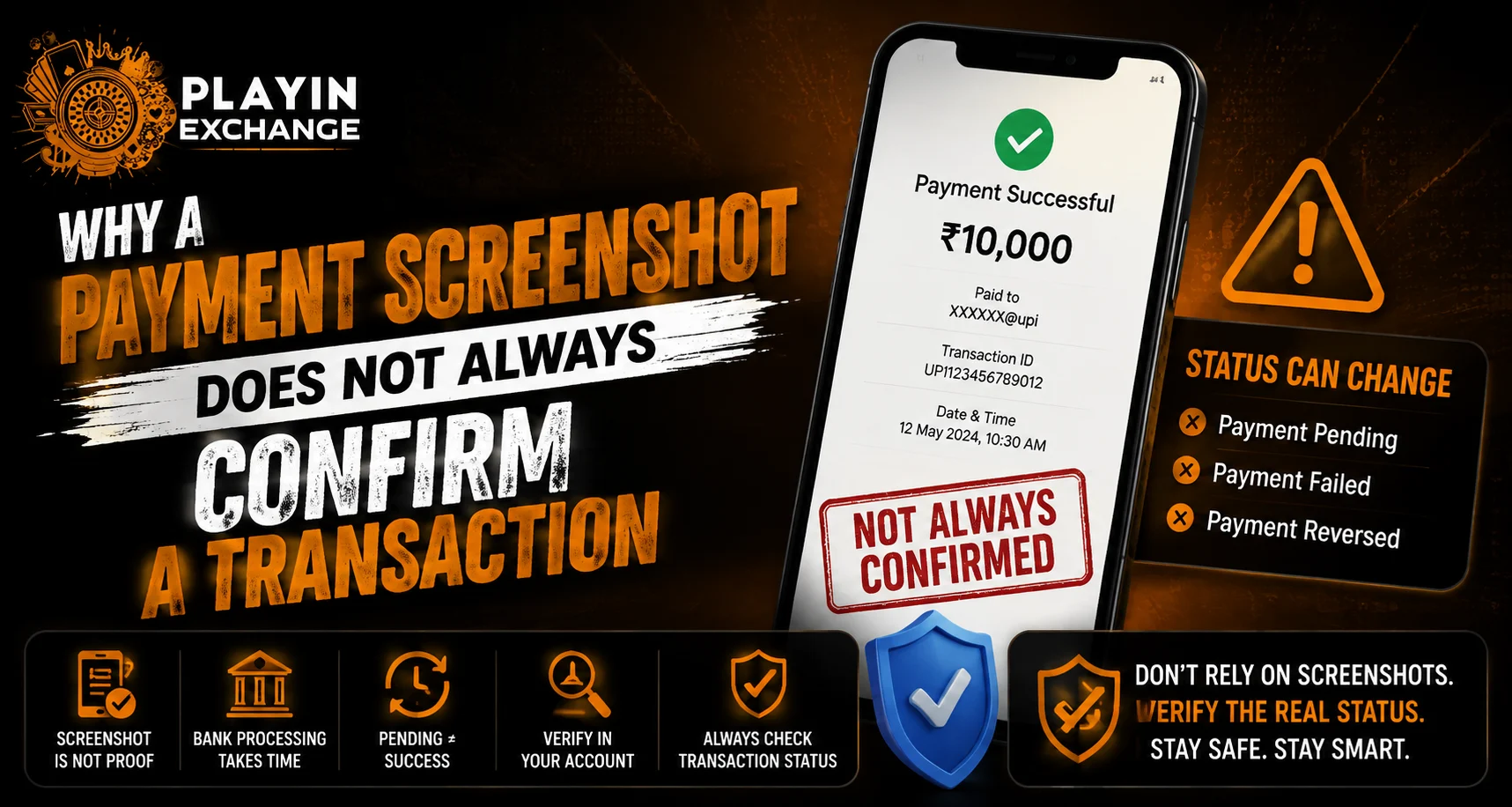
A payment screenshot may look like proof that money has been sent, but it does not always confirm that a transaction was successfully completed. Screenshots can be edited, outdated, incomplete or taken before a transaction is finalized. For users checking Playexch payment information, understanding the difference between a screenshot and an actual transaction confirmation can help prevent unnecessary mistakes.
The safest approach is to verify payments through the relevant bank, UPI application or official payment system rather than relying only on an image.
What Does a Payment Screenshot Show?
A screenshot usually captures what appeared on a device at a particular moment. Depending on the payment application, it may display information such as:
- Transaction amount
- Date and time
- Recipient details
- Transaction reference
- Payment status
- Payment method
However, the screenshot itself does not control or complete the transaction. The actual payment status is maintained by the financial institution or payment provider.
Why a Screenshot May Not Be Enough
There are several reasons why a screenshot should not be treated as final confirmation.
1. The Transaction May Still Be Pending
A payment can initially appear as pending while the bank or payment provider processes it. A screenshot taken during this stage does not necessarily mean the recipient has received the money.
2. Screenshots Can Be Edited
Images can potentially be modified using basic editing software. Names, amounts, dates and other visible details may be altered.
This is why an image alone should not be considered definitive evidence of payment.
3. The Payment Could Have Failed
A user may capture a payment screen before the transaction ultimately fails. The final status shown in the banking or payment application is more important than an earlier screenshot.
4. The Screenshot May Be Old
An authentic screenshot can still be misleading if it relates to a previous transaction. Always compare the transaction date, amount and reference with the current payment.
What Should You Check Instead?
When verifying a payment, use information directly from the relevant financial service.
Check:
- Transaction status
- Transaction ID or reference number
- Exact amount
- Date and time
- Sender and recipient details
- Bank or payment-provider records
For UPI payments, the transaction history inside the relevant UPI application or bank account can provide more reliable confirmation than a screenshot shared by another person.
How UPI Payment Verification Works
UPI transactions generate records that can be checked through the participating bank or payment application. If someone claims that a payment has been completed, do not assume it is successful simply because they provide an image.
Instead:
- Open your own UPI or banking application.
- Check the relevant transaction history.
- Confirm the amount.
- Check the transaction status.
- Match the reference information where applicable.
- Contact the bank or payment provider if the status is unclear.
This process reduces the risk of accepting false or incomplete payment evidence.
Be Careful With Edited Screenshots
Edited payment screenshots can be difficult to identify at first glance. A convincing image may contain realistic logos, transaction numbers and timestamps.
Warning signs can include:
- Unusual fonts or spacing
- Mismatched transaction details
- Blurry sections around important information
- An amount that does not match your records
- A screenshot without a clear transaction status
- Pressure to release goods or services immediately
If anything looks unusual, verify the payment independently.
Do Not Release Funds Based Only on an Image
Businesses and individuals should avoid treating a screenshot as the final confirmation when money, goods or account balances are involved.
For example, if someone says they have completed a deposit and sends a screenshot, the recipient should first check whether the money actually appears in the relevant account.
A screenshot can support an explanation, but the receiving account’s transaction record is more important.
What If the Payment Is Missing?
If a sender claims a payment was completed but the recipient cannot see it, both parties should check their transaction records.
Useful information includes:
- Transaction reference
- Payment amount
- Date and time
- Payment status
- Bank or UPI application used
If the transaction remains pending or cannot be located, contact the relevant payment provider through an official channel.
Payment Security for Online Accounts
Users exploring Playexchange payment information should verify transactions through trusted financial records rather than relying on screenshots. Similarly, anyone seeking Playexchange login support should use official account channels and never provide passwords, UPI PINs or OTPs to another person.
A genuine payment-verification process should not require users to reveal confidential authentication credentials.
Simple Payment Verification Checklist
Before treating a payment as completed, ask:
- Has the money appeared in the receiving account?
- Does the transaction show as successful?
- Does the amount match?
- Is the transaction date correct?
- Is the reference number consistent?
- Has the bank or payment provider confirmed the transaction if necessary?
If the answer to these questions is unclear, wait for proper confirmation.
Conclusion
A payment screenshot can provide useful transaction information, but it should not automatically be considered proof that money has successfully reached the recipient. Transactions can remain pending, fail after an initial screen is captured, or be represented by an altered or outdated image.
The safest method is to verify the transaction through your own bank account, UPI application or official payment provider. Taking a few moments to confirm the actual transaction status can prevent payment disputes, fraudulent claims and avoidable financial mistakes.
FAQs
1. Does a payment screenshot prove that money was received?
No. A screenshot only shows information captured on a device. The receiving bank or payment provider’s transaction record is more reliable confirmation.
2. Can a payment screenshot be edited?
Yes. Digital images can potentially be modified, so important payments should be verified independently.
3. What should I check instead of a screenshot?
Check the transaction status, amount, date, reference number and receiving account through your bank or payment application.
4. What if a payment shows as pending?
Wait for the final status and avoid treating a pending transaction as completed. If the status does not change, contact the relevant payment provider.
5. Should I release goods or services after receiving a payment screenshot?
It is safer to confirm that the money has actually reached the receiving account before releasing goods, services or account-related benefits.
6. What should I do if someone sends a suspicious payment screenshot?
Do not rely on the screenshot alone. Check your own transaction records and contact your bank or payment provider if the payment cannot be verified.


