
Introduction
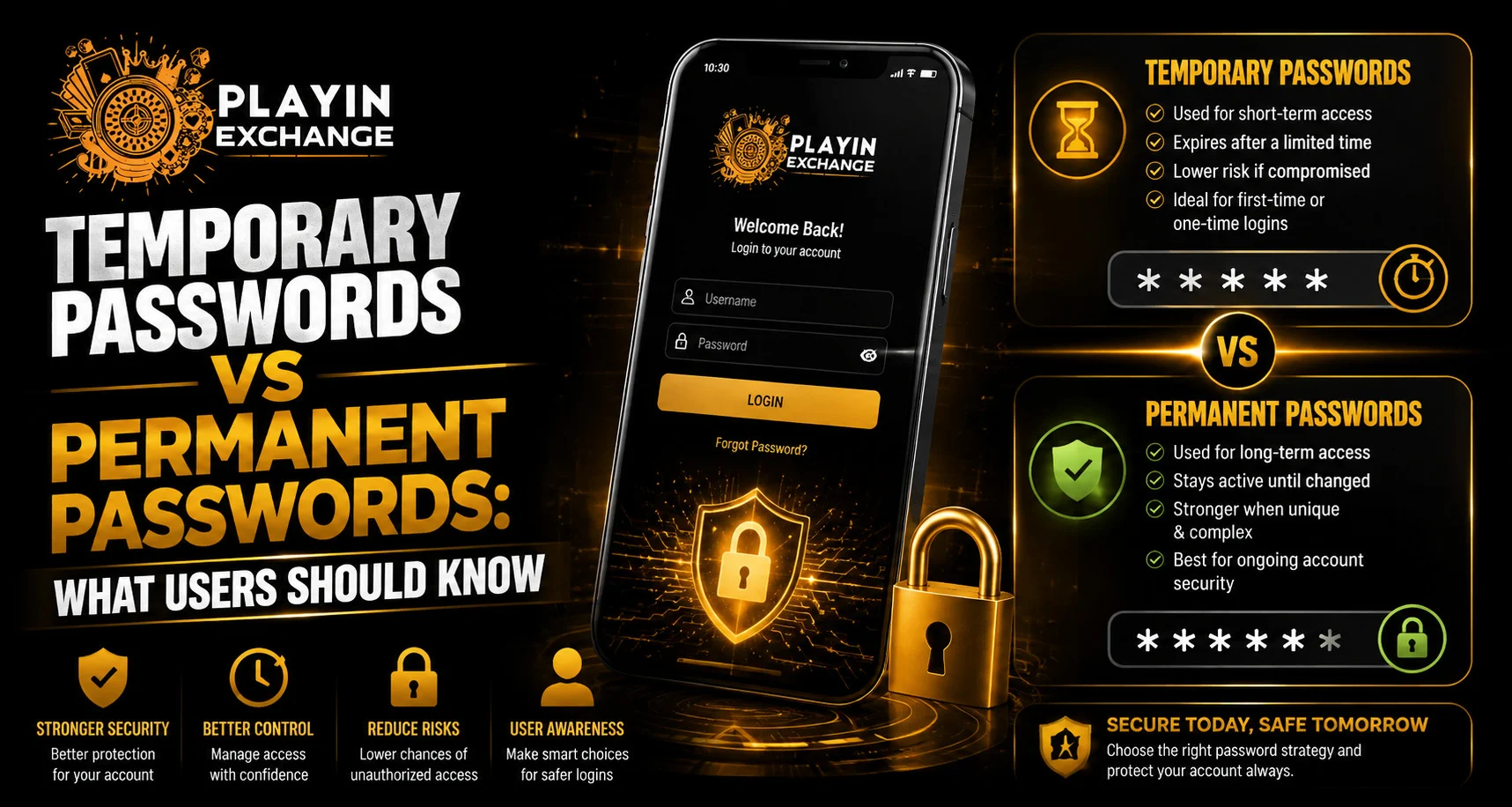
Temporary and permanent passwords serve different purposes in online account security. A temporary password is usually created for a short-term purpose, such as account recovery or first-time access, while a permanent password is intended for regular use. For readers following Playexch security topics, understanding this difference can make password management easier and more effective.
Knowing when temporary credentials should be replaced is especially important because they are generally designed for limited use rather than long-term protection.
What Is a Temporary Password?
A temporary password is a credential provided for a specific and usually short-term purpose. It may be generated automatically after a password reset request or provided during an account-recovery process.
Temporary passwords can be used for:
- First-time account access
- Password recovery
- Account restoration
- Temporary security measures
- Password reset procedures
In many cases, users are asked to create a new password after successfully signing in.
What Is a Permanent Password?
A permanent password is the regular credential used to access an account over time. It normally remains valid until the user changes it, a service requires a reset or the credential is otherwise invalidated.
A strong permanent password should be:
- Unique
- Difficult to guess
- Long enough to provide appropriate protection
- Different from passwords used elsewhere
- Kept private
A reputable password manager can also help users create and store unique credentials.
Temporary vs Permanent Passwords
The primary difference is their purpose and expected lifespan.
| Feature | Temporary Password | Permanent Password |
| Purpose | Recovery or short-term access | Regular account access |
| Lifespan | Usually limited | Remains active until changed |
| Creation | Often system-generated | Usually chosen by the user |
| Replacement | Often expected | Changed when necessary |
| Main role | Restores or starts access | Provides ongoing protection |
Understanding these differences can prevent users from relying on temporary credentials longer than necessary.
Why Temporary Passwords Should Be Replaced
Temporary passwords are normally issued for a specific reason. Once that purpose has been completed, replacing the credential can help maintain better control over the account.
Creating a new permanent password can:
- Improve account control
- Reduce the period of credential exposure
- End reliance on temporary access details
- Simplify future account management
Users should follow the relevant service’s password-reset instructions when replacing a temporary credential.
How to Create a Strong Permanent Password
A permanent password should be difficult to predict and should not be reused across important services.
Consider the following practices:
- Use a long password or passphrase.
- Avoid names, birthdays and predictable phrases.
- Use a different password for each important account.
- Avoid simple keyboard patterns.
- Store credentials securely.
A password manager can also generate random credentials that are difficult to guess.
Why Password Reuse Creates Risk
Using one password across several services increases the potential impact of a data breach.
If one website experiences a credential leak, attackers may attempt to use the same username and password combination elsewhere. This is known as credential stuffing.
Unique passwords help limit the number of accounts that could be affected by a single exposed credential.
Temporary Passwords During Account Recovery
Temporary credentials are commonly connected to account-recovery procedures. When users forget a password, a service may provide a temporary credential or another method for restoring access.
After recovering an account, it is sensible to:
- Create a new permanent password.
- Review recent account activity.
- Check recovery information.
- Review important security settings.
- Enable additional authentication where available.
This creates a clear separation between temporary recovery and everyday account access.
When Should a Permanent Password Be Changed?
There is no universal requirement to replace every password after a fixed number of days. More important reasons include suspected exposure, account-security warnings or reuse on a compromised service.
A password should be changed promptly when:
- You believe it has been exposed.
- An unfamiliar login is detected.
- The service requires a reset.
- The password was used on a compromised website.
- Another person may know the credential.
Be Careful With Password Reset Messages
Not every password-reset email or text message is legitimate. Phishing messages can imitate genuine security notifications and direct users to fake websites.
Before following a reset instruction, check:
- Sender information
- Website address
- Whether you actually requested the reset
- Message wording
- Security notifications inside the official account
When there is doubt, open the official website manually rather than clicking an unexpected link.
Temporary Passwords on Shared Devices
Temporary credentials require additional care when used on public or shared devices.
Avoid:
- Saving passwords in shared browsers
- Allowing autofill to store recovery credentials
- Leaving the account open
- Displaying credentials where others can see them
- Using unfamiliar computers for sensitive account recovery
A personal and properly secured device is generally preferable for account recovery.
Recovery Codes Are Different From Passwords
Some services provide recovery codes as an additional security method. These codes are not the same as temporary passwords and may be intended for emergency account access.
Recovery codes should be stored securely and treated as confidential information.
Do not post them publicly, send them through unsecured channels or share them with anyone claiming to provide technical support.
Password Managers Can Simplify Account Security
Managing multiple unique passwords can be difficult without assistance. A trusted password manager can help users generate and store credentials securely.
A good password-management routine may include:
- Generating unique passwords
- Storing them in a protected vault
- Reviewing old credentials
- Removing unused entries
- Updating credentials after a security incident
The master password or main authentication method for the password manager should also be protected carefully.
Accessing Accounts After a Password Change
After replacing a temporary password, make sure the new credential works correctly through the legitimate account page. Users searching for Playexchange login should verify the website address before entering any account information, especially after receiving a password-reset message.
Do not share passwords, OTPs or recovery codes with another person. Genuine account recovery should be completed through the service’s official process.
What to Do If a Temporary Password Is Exposed
If a temporary credential has been accidentally shared or entered on a suspicious website, treat it as potentially compromised.
Take these steps:
- Access the legitimate service directly.
- Replace the temporary credential.
- Review recent account activity.
- Check recovery and security settings.
- Change the password anywhere else it was reused.
Acting quickly can reduce the period during which an exposed credential remains useful.
Device Security Also Matters
Strong passwords work best when supported by a secure device.
Useful measures include:
- Using a device passcode
- Enabling biometric protection where available
- Keeping the operating system updated
- Updating the browser
- Removing unknown applications
- Locking the device when it is not in use
Password security is therefore part of a wider account-protection strategy.
Common Password Mistakes to Avoid
Even a long password can become less effective when basic security practices are ignored.
Avoid:
- Reusing passwords
- Sharing credentials
- Storing passwords in unsecured notes
- Choosing predictable personal information
- Ignoring security alerts
- Clicking unknown password-reset links
Consistent password management is more important than relying on one security measure.
Conclusion
Temporary and permanent passwords have different roles in account protection. Temporary passwords are generally designed for recovery, setup or limited access, while permanent passwords are intended for regular account use.
Users should replace temporary credentials when required, create unique permanent passwords and avoid reusing important passwords across services. They should also remain cautious with password-reset messages and protect recovery codes as carefully as regular credentials.
Understanding the purpose of each password type makes it easier to manage account access and respond appropriately when a security or recovery issue occurs.
FAQs
1. What is a temporary password?
A temporary password is a short-term credential commonly used for account recovery, first-time access or password-reset procedures.
2. What is a permanent password?
A permanent password is the regular credential used for ongoing account access until it is changed, reset or invalidated.
3. Should a temporary password be replaced?
Yes. When a service asks you to create a new password after temporary access, replace it with a unique permanent credential.
4. Should permanent passwords be changed regularly?
Not necessarily. A strong, unique password should generally be changed when it has been exposed, reused on a compromised service or there is another reason to suspect account risk.
5. Is it safe to share a temporary password with support staff?
No. Passwords and verification codes should remain private. Use the service’s official recovery and support procedures instead.
6. What should I do if a temporary password is exposed?
Replace it through the legitimate service, review recent account activity and update the password anywhere else it was reused.


