
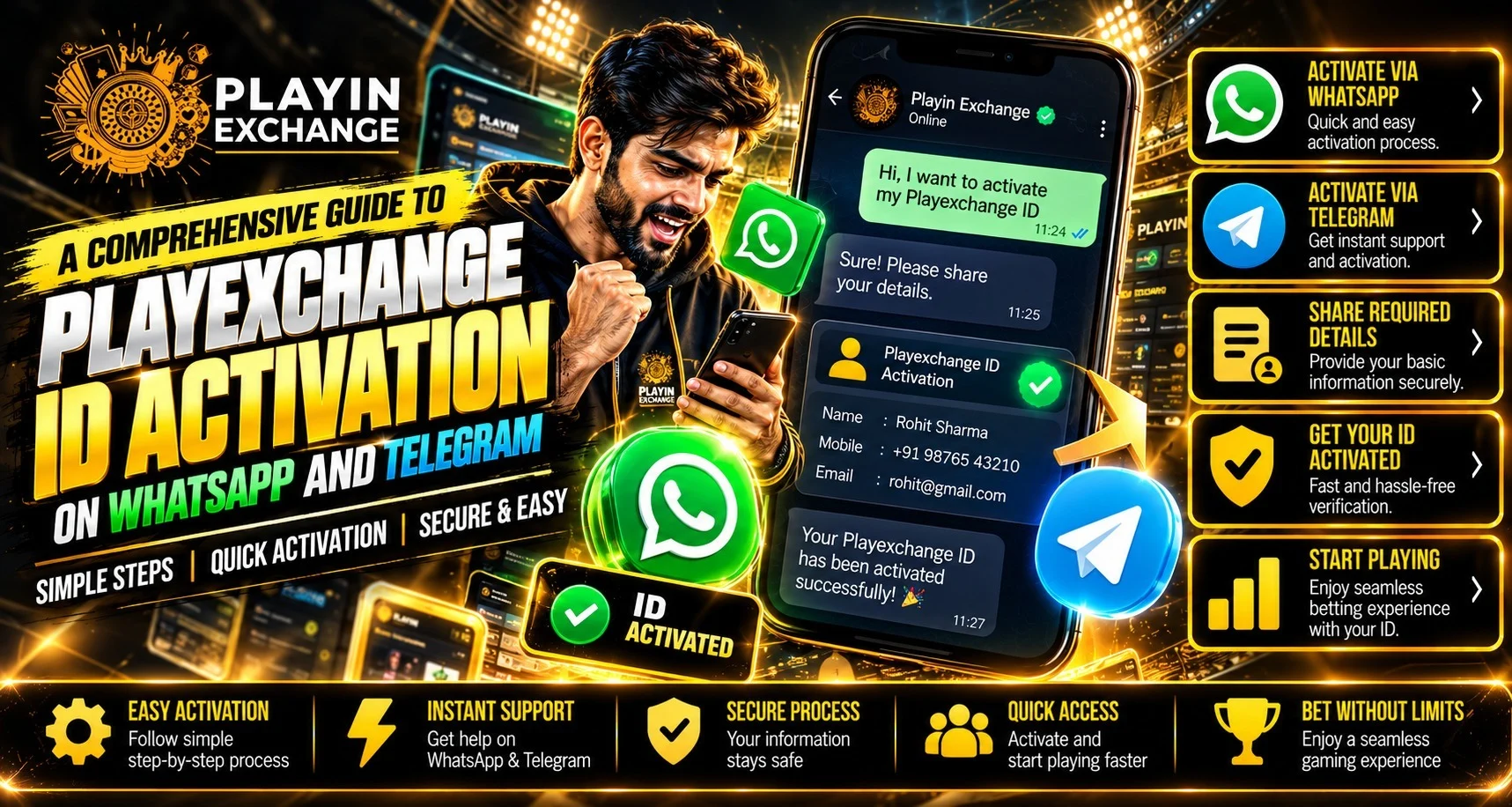
Messaging can simplify setup when the next steps are clear. For readers approaching Playexch, the aim is to request an account through a published support channel and confirm that Playexchange login works. A chat reply does not confirm completed registration or verification.
WhatsApp and Telegram provide contact routes. The account’s actual requirements still determine when access becomes available.
Start With the Contact Buttons Published on the Website
The Playexchange website lists WhatsApp and Telegram buttons. Begin there rather than selecting a contact from a forwarded message or public group.
Compare the destination with the website’s published route. A logo or display name alone does not establish authenticity. If the destination appears inconsistent, return to the website and ask for clarification before sharing personal information.
Request Activation Through WhatsApp
Open the published WhatsApp contact route and send a short message stating that you want a new account. Ask what details are required, whether verification applies and how completion will be confirmed.
Provide requested information through the designated process and retain the instructions. A request acknowledgement is not proof of activation.
Follow the Telegram Route Carefully
Open Telegram through the link published on the website. Check whether it leads to a support account, bot or information channel before proceeding.
A channel may publish instructions without accepting requests. Follow the stated contact instructions instead of posting personal details in comments or groups.
Never share your Telegram or WhatsApp authentication code with another person. That code protects your messaging account, rather than completing a separate platform registration.
Clarify Information and Payment Requirements
Before supplying documents, confirm which checks apply and where the evidence should be submitted. Accurate details reduce later mismatches.
Ask separately about account creation, verification and funding. Do not assume that an amount mentioned in an advertisement is a universal activation requirement. If any fee or deposit is requested, confirm its purpose, applicable terms and payment route before acting. Confirm registration and credited payments separately.
Confirm Access Through the Correct Login Page
At Playexch, we recommend checking the actual account outcome alongside the support message. Before attempting Playexchange login, confirm the website address and instructions.
Enter the supplied account details carefully, checking capitals and accidental spaces. Replace any temporary password through the account settings, where available, with a unique password.
Review any incomplete profile or verification notice. Successful sign in establishes access, but additional account functions may still depend on separate requirements.
Resolve Delays Without Creating Duplicate Requests
If access fails, note the error wording and return to the existing conversation. Describe whether credentials are missing, the account is inactive or the password fails.
If you move between WhatsApp and Telegram, mention the earlier request and reference. This helps keep the case understandable without starting several account applications.
Ask which step remains outstanding and what response period applies. Avoid repeatedly sending documents or payments because a reply has not arrived.
Why Clear Guidance Has Lasting Value
Quality assistance explains the requested information, current status and next action. This supports ease of use and a more comfortable customer experience.
Having two contact options offers flexibility, but the same care should apply on either service. Customers increasingly expect consistent instructions across devices and channels.
Retain useful references and protect credentials and documents. Thoughtful account management remains valuable when contact routes or recovery needs change, long after the first activation request.
Read More : All How to Purchase Digital Game Assets Using Playexch: Complete Guide
Conclusion
Activation is easier to understand when contact, verification and account access are confirmed separately. At Playexch, we encourage readers to use published messaging routes and check Playexchange login before assuming setup is complete. We value clear instructions, careful information sharing and practical follow up throughout the process.
FAQs
Can I use either WhatsApp or Telegram?
Use whichever route the current website publishes for account requests.
Does a chat reply confirm activation?
No. Confirm the account status and actual access separately.
Should I post documents in a Telegram group?
No. Use the designated private verification route.
Is there a fixed activation time?
Check the current response period and any outstanding requirements.
What should I do if the supplied login fails?
Check the address and credentials, then report the error through existing support.


